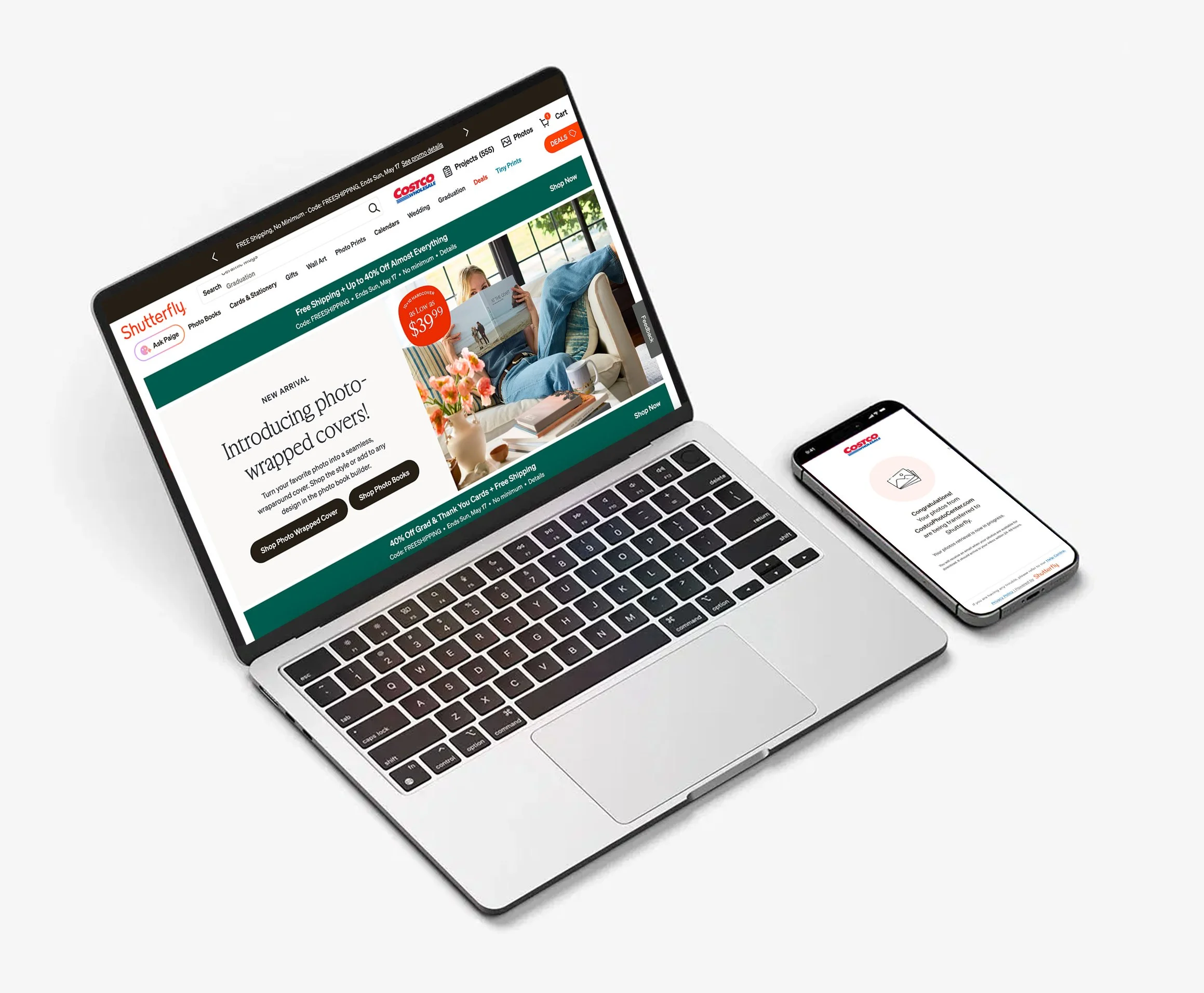
Shutterfly + Costco
COSTCO + SHUTTERFLY PARTNERSHIP
About the Project
The Challenge:
As Costco sunset its Photos business, it partnered with Shutterfly to continue serving its members’ printing needs. The challenge was to design a seamless UX that could onboard a large user base, securely transfer existing photo libraries from Costco to Shutterfly, and preserve trust throughout the transition.
In parallel, we needed to integrate a Costco-exclusive discount across the Shutterfly experience, ensuring members continued to receive the value they expected without added friction.
My Contributions:
Senior Product Designer II
Prototyping & Testing, UI Design
Team:
Audra Miller
Tools Used:
Figma, FigJam, Jira
The Challenge
How to transfer over a million photo files
Passing the Photo Baton
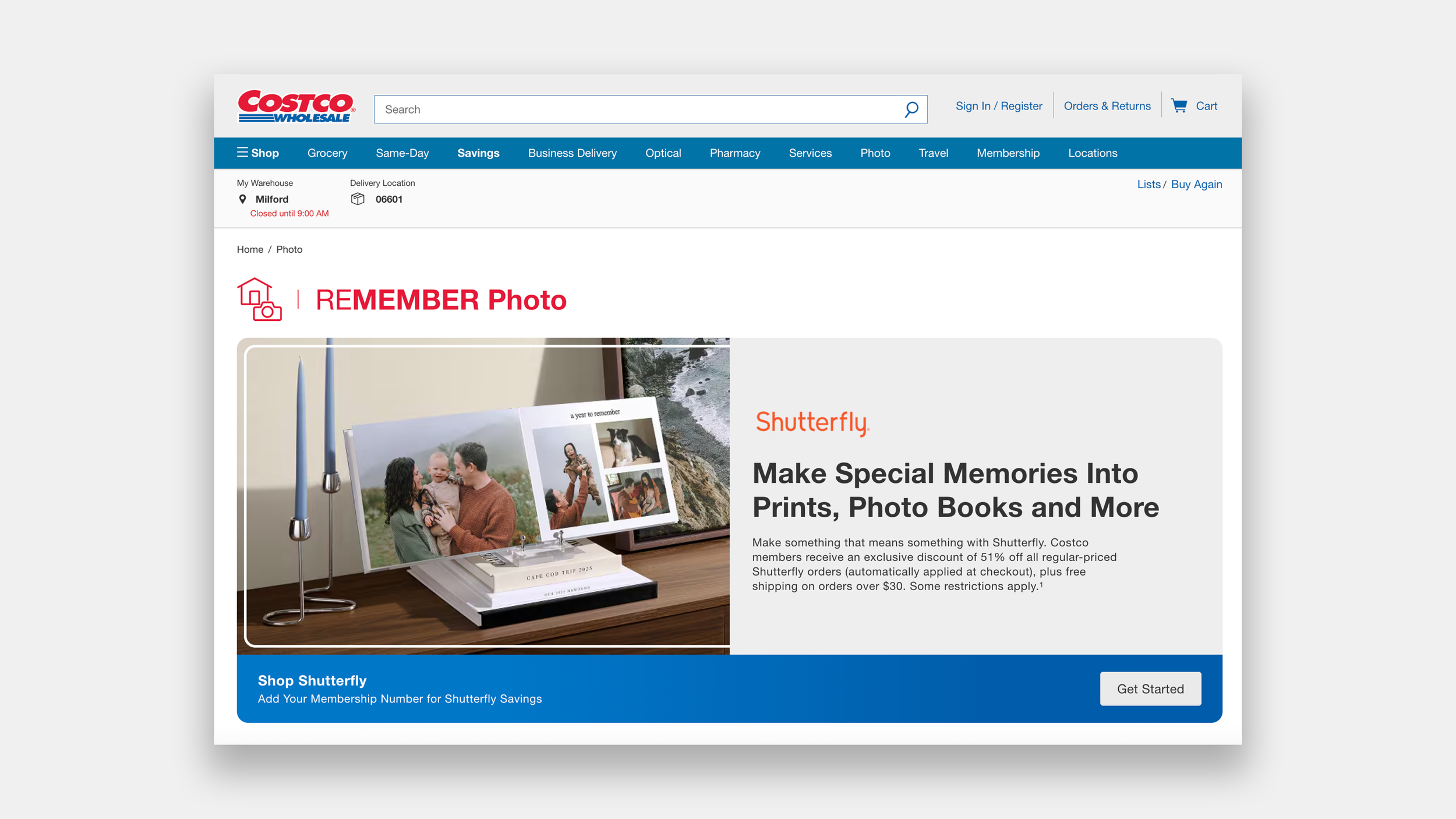
Costco decided to sunset their Photo Printing Services and set up to partner with Shutterfly to take on their customers. To encourage users to switch to Shutterfly, we agreed to provide 51% off all regularly priced orders and free shipping on orders over $30. As the sole product designer for this partnership, I met with Costco and Shutterfly’s PMs and Engineers to figure out how to solve the following questions.
Who all will be linking accounts?
How do we address family members who all share the same Costco Membership?
How can we make the experience happen with as few clicks as possible without disrupting our security integrity?
How do we communicate in our design clearly what is happening and how Costco plays a role during and after the linking?
Who will be linking accounts?
Costco Members with Images in their account that need transferring.
Costco Members that have no images but want to link with Shutterfly for a discount.
Costco Members on a family plan with multiple memberships that want to link.
Someone without a Costco Membership trying to get the Shutterfly Discount.
Ideate
Brainstorming and Prioritizing
Restrictions driving designs
There were four different types of Costco users and multiple scenarios for Shutterfly users. Ones with accounts, ones without, ones who had old accounts and had forgot passwords, ones who had already linked, ones whose spouse was signed in to Shutterfly at the time of linking, some that have multiple people on a Costco membership. How do we accommodate for all of these along with any technical restrictions?
Technical restrictions affecting the design:
Different authentication providers
Costco and Shutterfly both needed users to authenticate.Member user ID could only be shared with 3 accounts
To accomodate family memberships.Accounts created through social login vs password login
How to match accounts.Delayed photo transfer timing
How to notify users accurately?Mobile/web parity issues
Only on desktop and mweb, not app to launch.
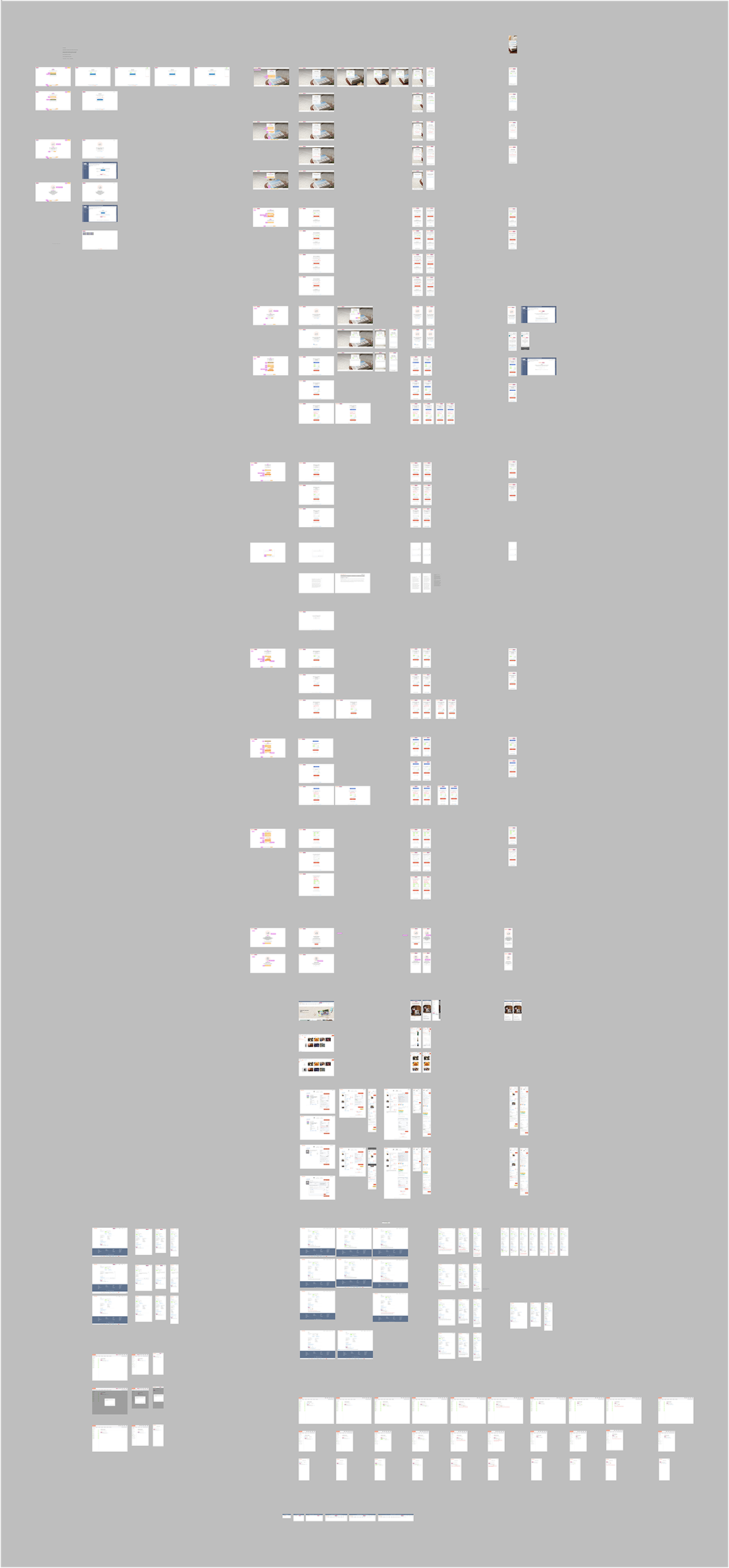
Prototype
Developing Layouts and Formulating
The End-All-Be-All Rule Book Prototype
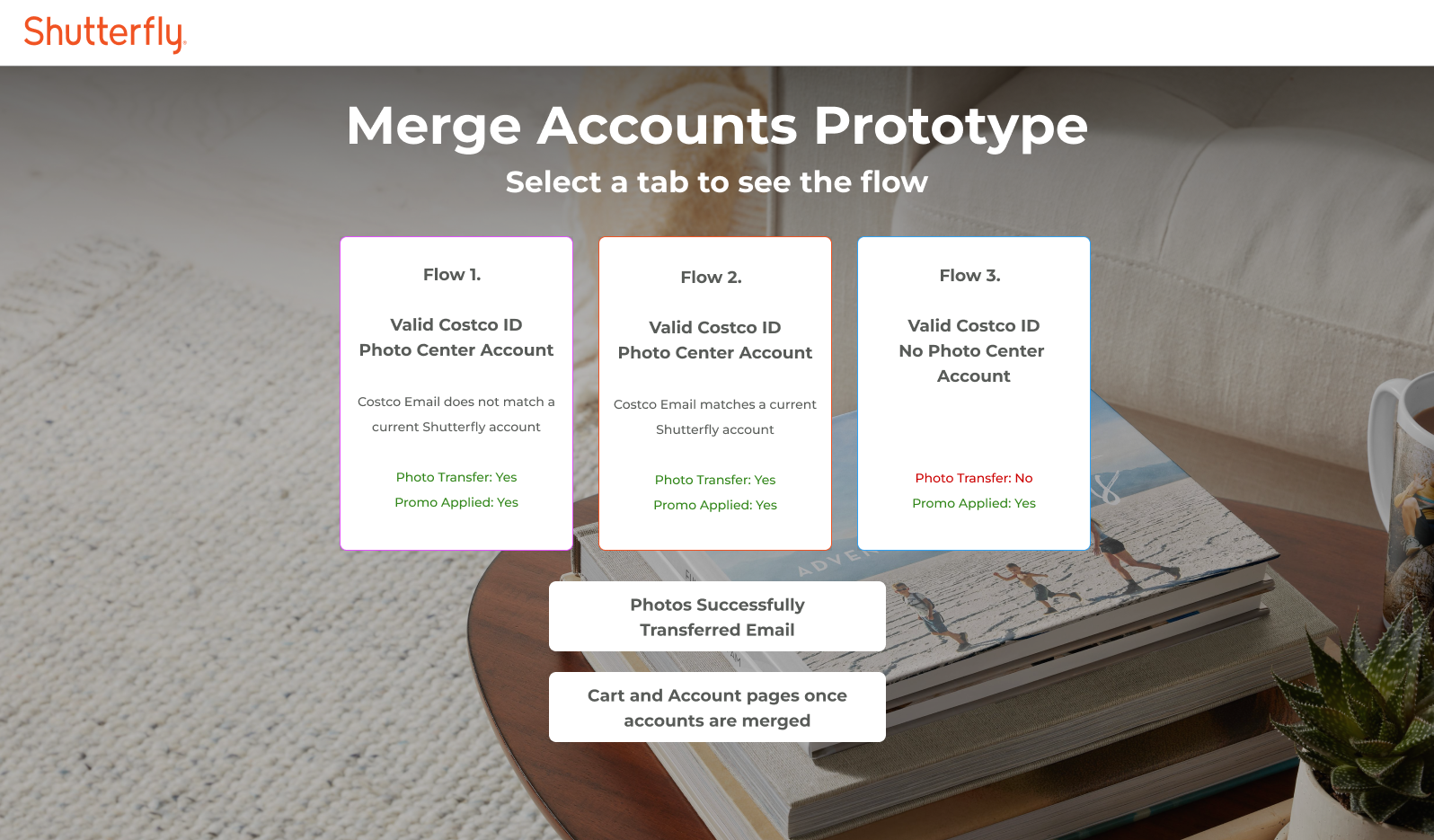
In order to help orient all engineers, I worked with the Product manager, security manager, and engineering director to create an animated prototype to show all of the use cases and flows to help us all get a user’s perspective.
Iteration
Contracts, Promos, Canada,and Accessibility
Where to place the Costco Logo?
The problem
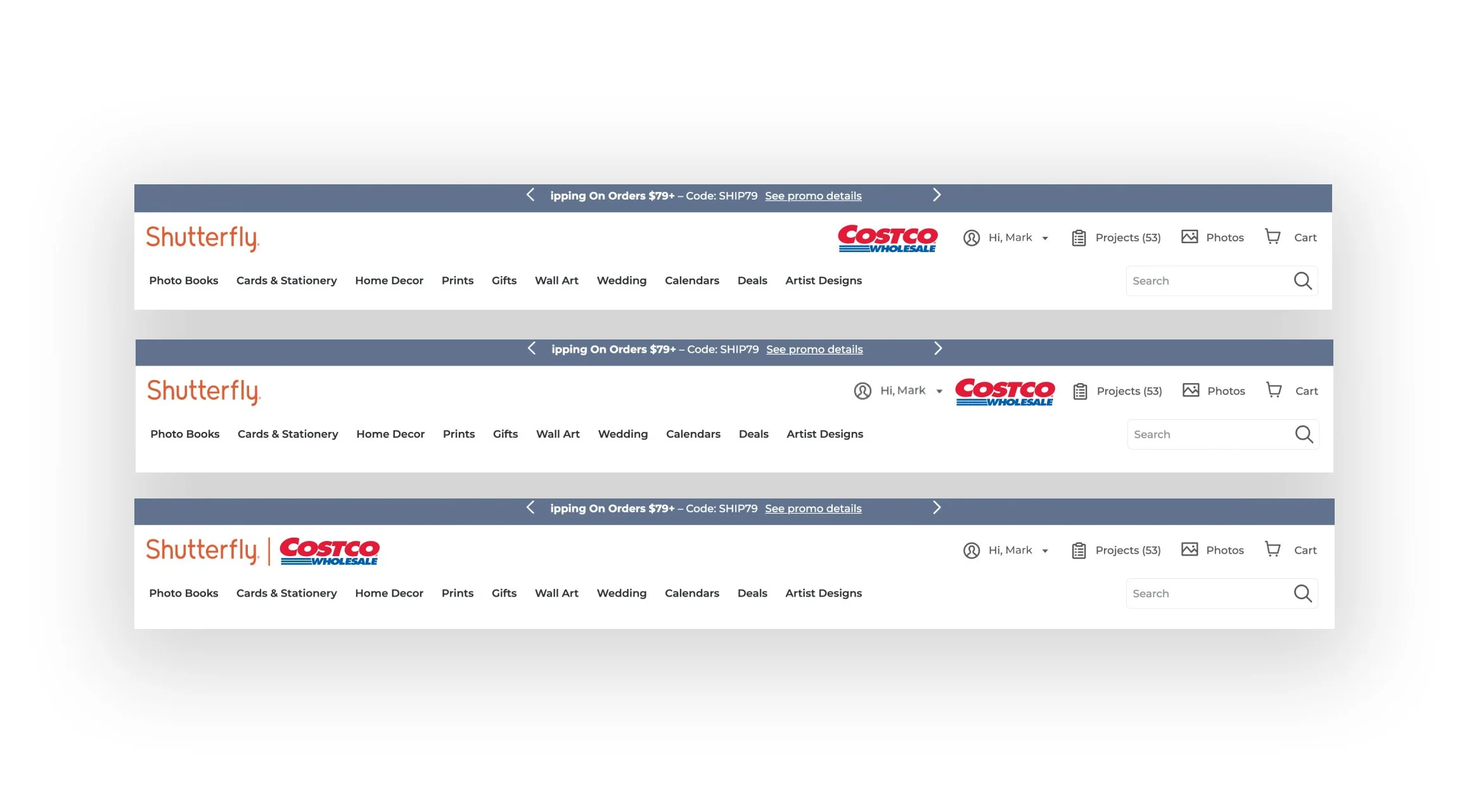
The contract with Costco indicated that their logo needed to be visible in the header of the Shutterfly site and it needed to be the same height as the Shutterfly logo. It was not a link, just a badge indicating that the user had linked their accounts.
Solution
I designed multiple locations the logo could be to share out with stakeholders. The location that did not cause the most confusion for our users and the normal interaction they had in the header made the placement of right before the account settings the best spot.
We clarified with Costco that their logo would only be visible when there was space available in the header. Working on the different screen break points, I was able to develop rules for each unique header on the site and indicate when the Costco logo would be visible and where it would need to drop.
Parles-tu français?
Allowing users to translate their linking experience.
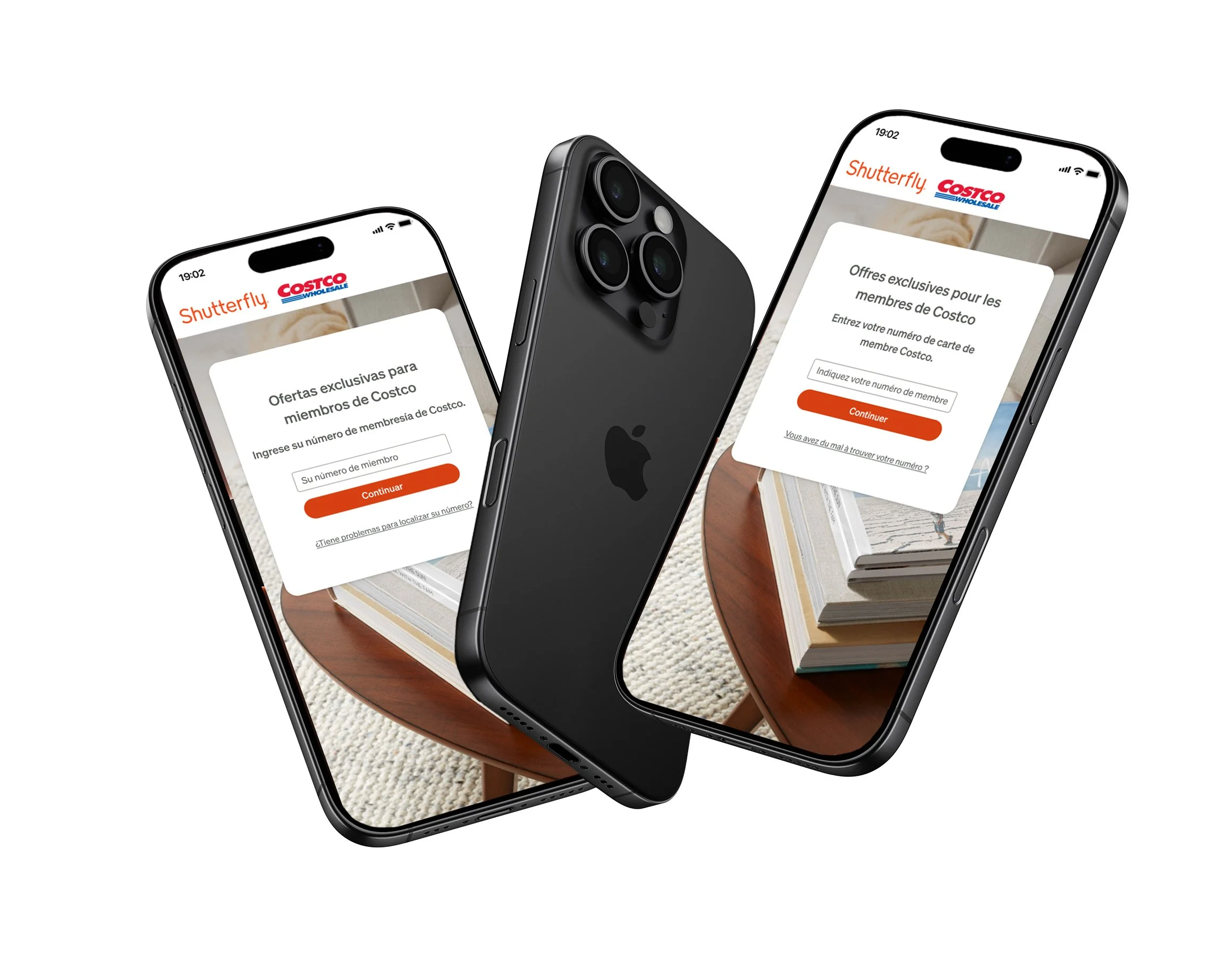
One of the requests was to allow users to translate the website text into Spanish or French. Since Shutterfly did not have a translator team I took it upon myself to reach out to various sources and translate the text myself. I had two colleagues that spoke french and spanish to look over the flows to check and make sure they were accurate.
Oh Canada
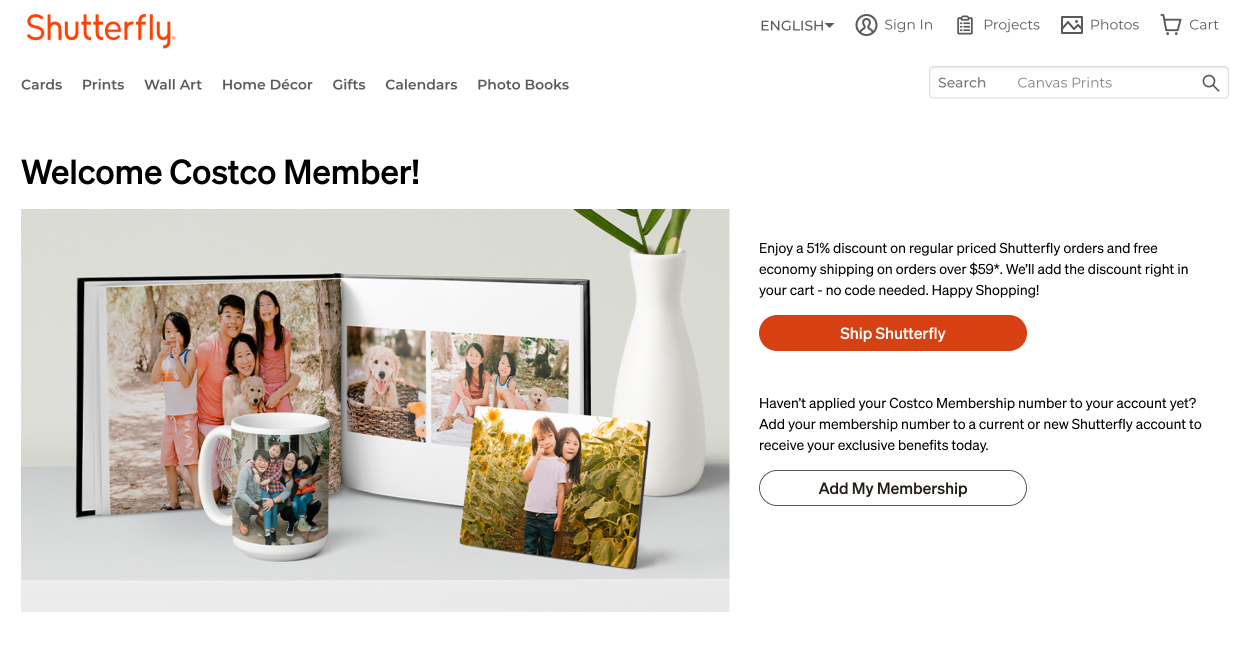
Since Costco was sunsetting their entire photo printing services, we needed to make this linking flow available to all of their users, including Canada. A specific landing page was also created for the Canada experience.
Accessibility
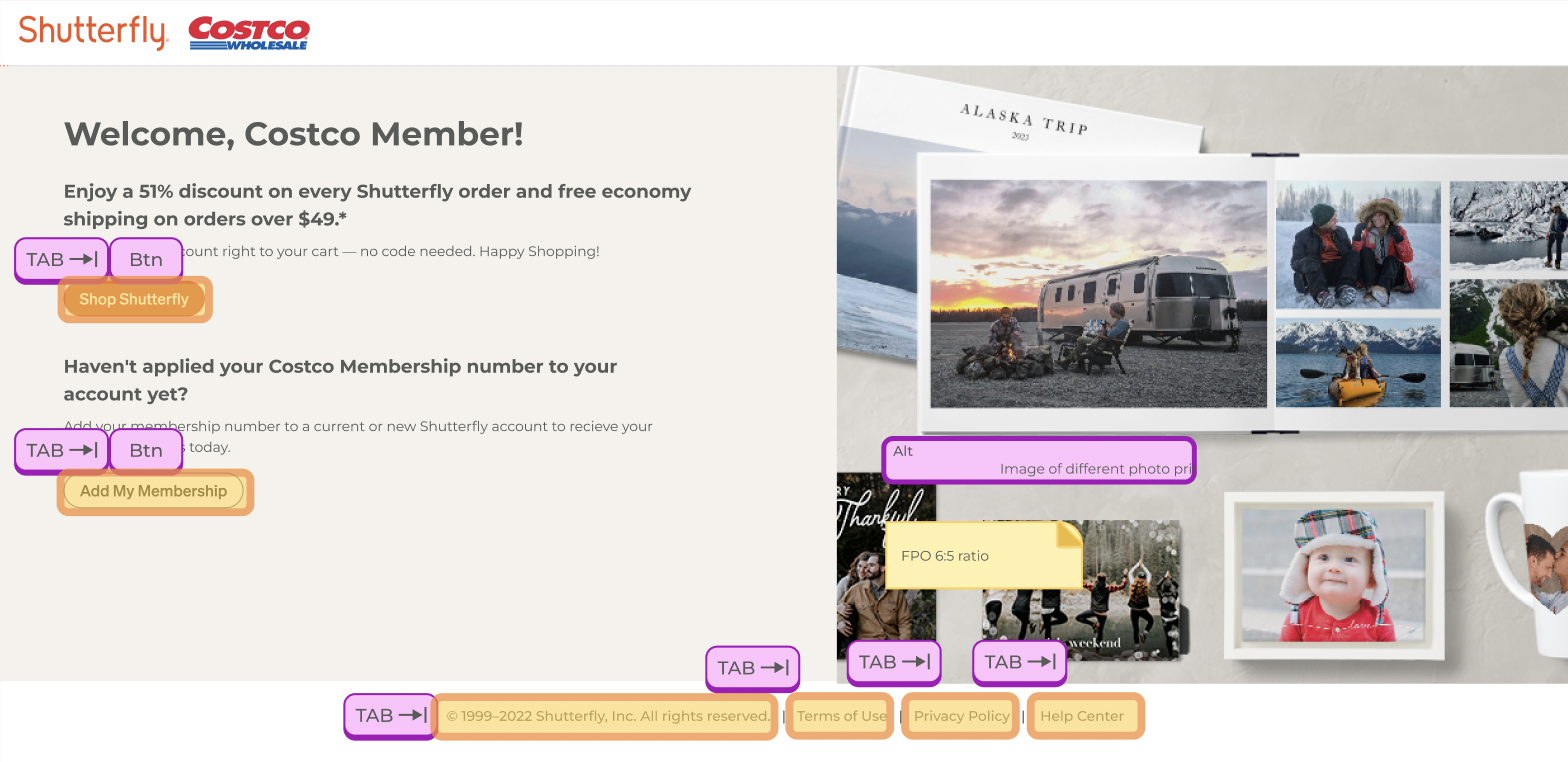
All designs needed to meet accessibility standards. I tested all color contrast levels, added ALT text for images, and annotated all keyboard navigating instructions for engineers to implement.
Results
And Future Learnings
Success
This initiative brought in 387K new users to the platform and generated $99.7M in revenue for the company the year it launched. The following year, a seamless migration of 87M images from Costco to Shutterfly was achieved. This resulted in 162.7K additional new users to the Shutterfly platform, despite reduced advertising from Costco. The Costco partnership generated $120M in revenue for the company that year.
What we learned for future partnerships
Set up a collaborative beta and stage environment for engineers and analysts on both companies can actively test and collaborate. Not doing so with Costco did not allow us to fully test the linking or user journey before launch.